
Your Cart is Empty


Add Scene Notes in 3ds Max and Blender | Jot Down Notes
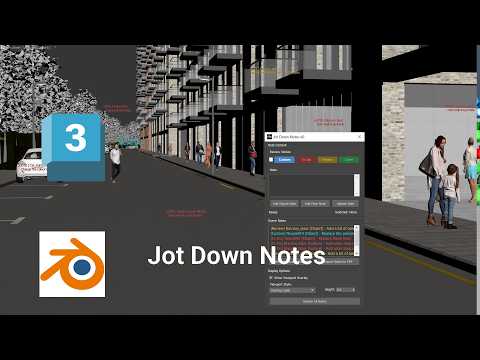

Video From YouTube: SiNi Software
In this informative tutorial, viewers will learn how to enhance their workflow in Autodesk 3ds Max and Blender by integrating SiNi Jot Down Notes. The video showcases the process of creating, managing, and reviewing production notes directly within these 3D applications. Users will discover how to attach notes to objects and polygon faces, assign review statuses, and display crucial information right in the viewport. This tool is invaluable for recording tasks seamlessly, providing instructions for individual elements, and marking specific areas for review, ultimately streamlining project management and improving collaboration during the creative process.
If you like this content please subscribe to the SiNi Software YouTube Channel

Browse SiNi Software Products
VFX Plugins
Also in Design News






