Your Cart is Empty


Trim Entities Using Fence or Crossline Mode from Toolbar

Video From YouTube: DraftSight
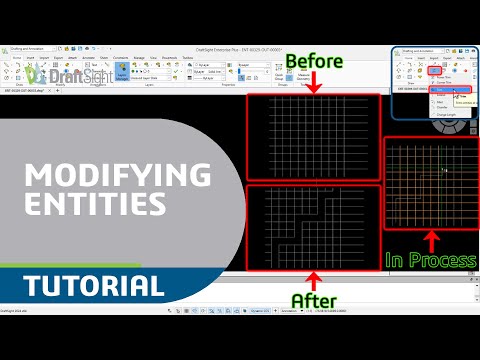
In this informative tutorial, viewers will discover how to efficiently trim entities within DraftSight using the Fence and Crossline modes available in the toolbar. The video begins with an introduction to the Trim command, followed by detailed demonstrations of both modes. Users will learn how to utilize Fence mode to trim multiple entities simultaneously or employ Crossline mode to trim by crossing over them. Real-time examples are provided to enhance understanding and application of these techniques. This tutorial aims to improve workflow efficiency and empower users with essential CAD skills, making it a valuable resource for anyone working with 2D CAD.
If you like this content please subscribe to the DraftSight YouTube Channel

More Info on DraftSight
World Class DWG Editor
Also in Design News